See why invite links matter
This clip keeps only the Coin Master opening from the existing homepage video. It shows gameplay for context, not CMTopup's interface or a promised reward. Explore real CMTopup screens below.
See the app screens →Daily Spin Links—and a smarter path to Extra Spins.
Find published Daily Spin Links in one place. CMTopup also checks and automatically processes supported Coin Master invite links, then shows your request status—helping you pursue Extra Spins when the game's invite requirements are met. Coin Master decides reward eligibility and delivery.
Android app · Independent companion · Availability varies by country and account
See the CMTopup app
Real screenshots from the CMTopup Google Play listing. These may show an earlier app version.
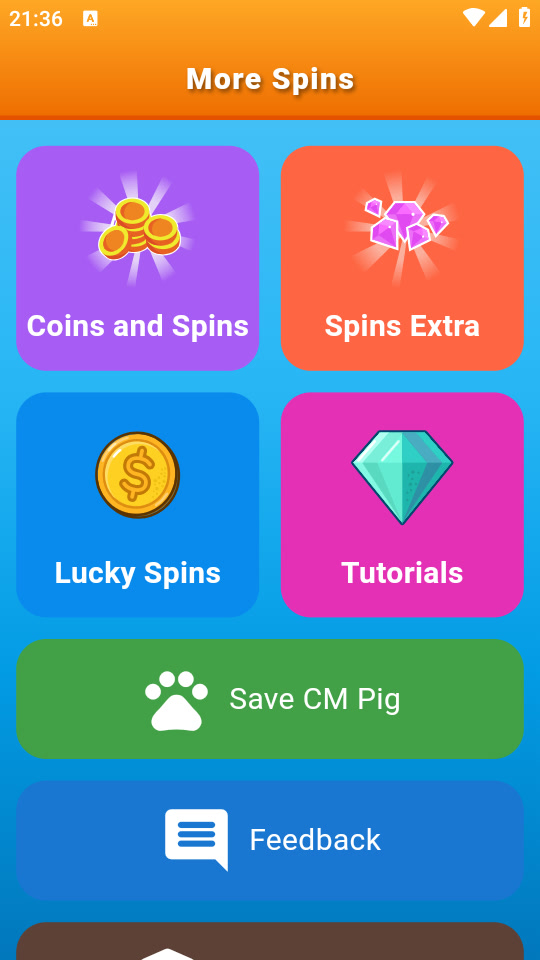
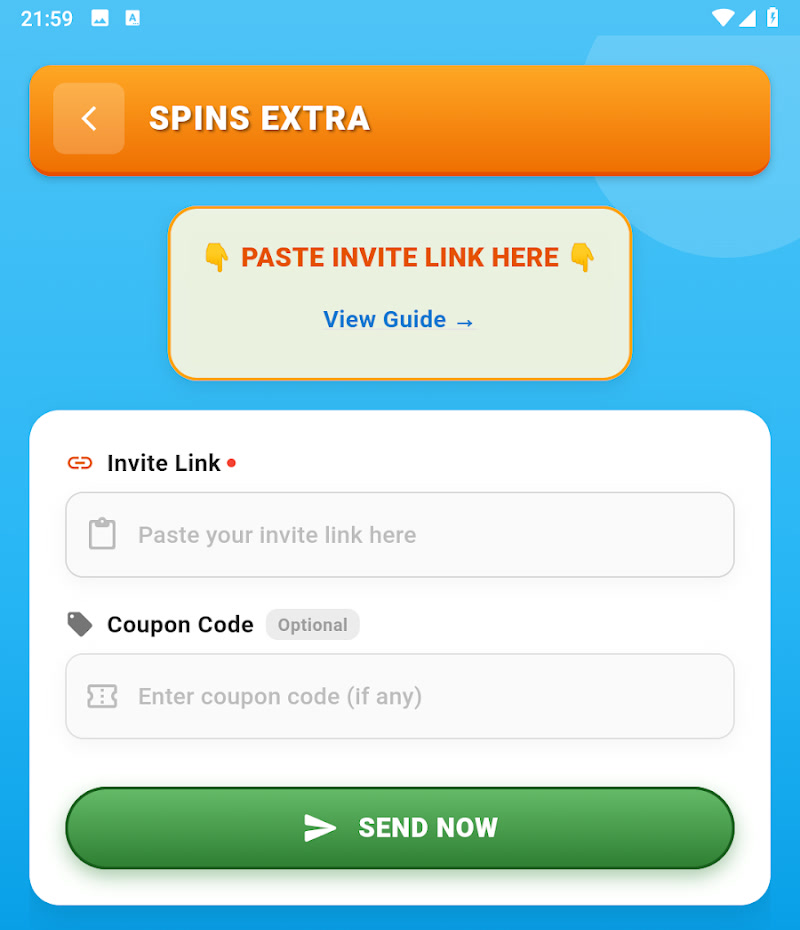
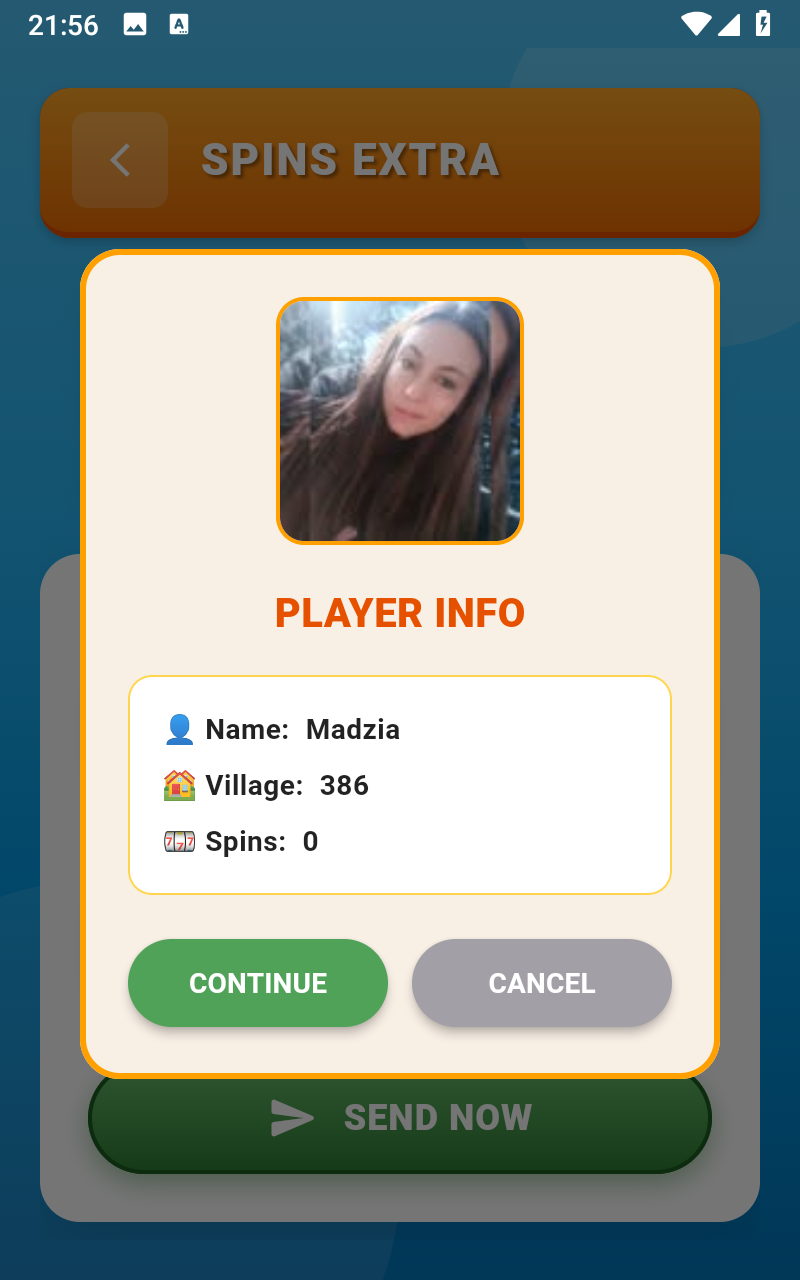
CMTopup handles an invite request; it does not decide whether Coin Master grants spins or other rewards. Eligibility and reward delivery are controlled by the game. CMTopup is independent and is not affiliated with or endorsed by the game publisher.